
Not sure who to contact?
Choose the situation below to find the right place to start. RTN administration manages the website and network, but individual providers handle questions about their own services, customers, appointments, pricing, and work.
Contact a Provider
Contact the vendor, technician, manufacturer, distributor, or other provider directly when your question concerns their services or business.
This includes:
- Equipment or technical questions
- Service availability and coverage
- Pricing and estimates
- Scheduling or appointment changes
- Repair or service status
- Products, parts, or warranties
- Provider-specific policies
- Work arranged outside the RTN platform
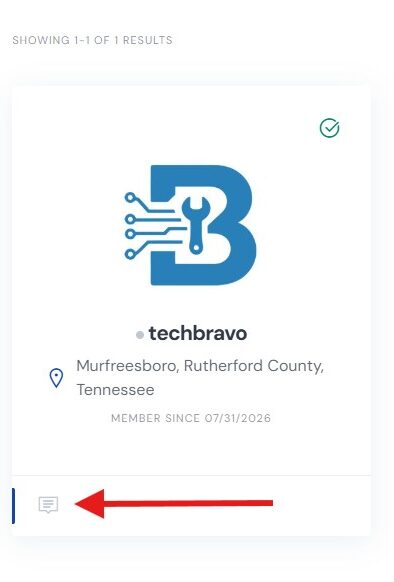
Use the contact or messaging option on the provider’s RTN profile whenever possible. RTN administration generally cannot answer questions or provide updates on a provider’s behalf.
Resolve a Dispute
If you have already contacted the other party and cannot resolve a problem involving a transaction arranged through RTN, use the dispute or reporting process available through your RTN account.
Use this process for:
- Billing or payment disagreements
- Work that was not delivered as agreed
- Misrepresentation or suspected fraud
- Serious customer or provider conduct concerns
- Transaction problems that direct communication did not resolve
Using the proper dispute process keeps the transaction details, messages, and supporting information together for review.
Contact RTN Admin
Contact RTN administration for questions or problems involving the website or network itself.
This includes:
- Website bugs or broken features
- Account access problems
- Profile or listing assistance
- Website feedback
- Ideas and feature requests
- Inappropriate or prohibited content
- Partnership, OEM, or distributor inquiries
- General questions about Repair Tech Network
RTN administration cannot provide emergency assistance, control a provider’s schedule, give status updates for independently performed work, or answer technical questions on a provider’s behalf.