
CNC Router Troubleshooting Intake Checklist
CNC-router troubleshooting starts by separating machine control, motion, spindle, tooling, workholding, dust collection, electrical supply, software, and process problems.
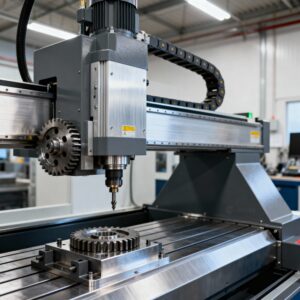
Make the machine safe: Stop for uncontrolled motion, damaged tooling, spindle noise, smoke, electrical odor, failed emergency stops, loose workholding, or guards and extraction that cannot operate correctly.
Identify the machine configuration
- Manufacturer, model, serial number when appropriate, work area, age, and purchase source.
- Controller, drives, motors, spindle and VFD, tool changer, vacuum system, dust collection, and compressed-air requirements.
- CAD/CAM and sender software, versions, post processor, connection method, and operating system.
- Electrical service, phase, voltage, grounding, and any transformer or converter.
Classify the failure
Specify whether the problem involves startup, homing, limits, position loss, chatter, poor finish, inaccurate dimensions, spindle start or speed, tool changing, vacuum hold-down, communication, file processing, or intermittent shutdown. Copy alarms exactly and note the axis, operation, and point in the cycle.
Capture the job context
- Material, thickness, tool manufacturer and geometry, stickout, collet, spindle speed, feed, plunge, depth per pass, and toolpath strategy.
- Workholding method, spoilboard condition, vacuum level when available, and dust-extraction condition.
- The G-code or project file, post processor, machine origin, work offsets, and units.
- Photos or video of the result, tooling, setup, control screen, and machine behavior.
Document recent changes
Record crashes, broken tools, moves, wiring changes, bearing or spindle work, lubrication, belt or rack adjustment, drive replacement, software updates, new posts, and electrical events. Note whether the fault follows one file, one axis, one tool, or one operating condition.
Prepare for service
Back up controller parameters, offsets, macros, and known-good files before changes. Make manuals and schematics available. Do not reach into the work envelope or energize exposed components during remote diagnosis.